

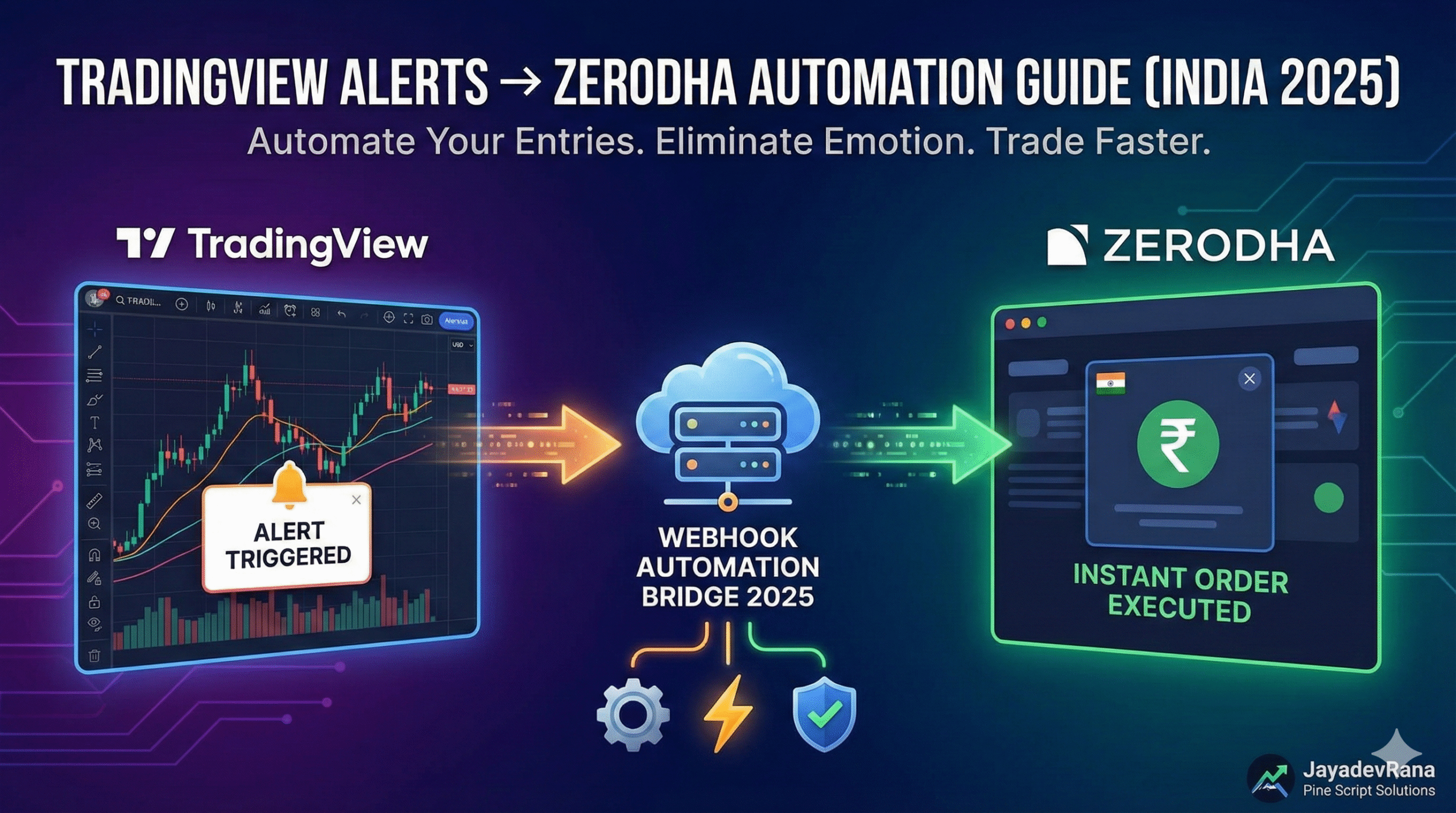
If you’re trading in India, this is the ultimate guide you need.
Most traders lose money due to late entries, missed orders, and emotional execution.
But in 2025, connecting TradingView alerts → Zerodha has become extremely simple using fast webhook automation.
This guide shows:
- The easiest method to automate orders
- Tools you need
- Step-by-step setup
- When to use a professional like JayadevRana Pine Script Solutions
- Important external resources to learn more
Let’s begin.
Why You Must Automate TradingView → Zerodha in 2025
Manual trading leads to:
- Slow execution
- Emotional decisions
- Missed entries during volatility
- Inconsistent trading results
Automation gives:
- Instant order execution
- Pure rule-based trading
- Ability to trade even while away
- Higher discipline & accuracy
This is why TradingView → Zerodha automation is now a must-have for every serious trader.
🔧 What You Need to Start Automation
To automate your Zerodha trading using TradingView alerts, you need:
- A Pine Script strategy or indicator with alert conditions
- A webhook-based automation bridge
- Zerodha API key & secret
- Stable network
- Optional: Professional automation setup by JayadevRana Pine Script Solutions
For advanced automation tutorials, also check:
🔗 2025 Guide: TradingView to Angel One / Fyers Automation (Webhook Setup)
https://jayadevrana.com/%e2%9a%a1-2025-guide-tradingview-to-angel-one-fyers-automation-webhook-setup/
The Easiest Method: Webhook Automation Bridge (Fastest in 2025)
Webhook automation is the most reliable and fastest method.
How It Works
- TradingView sends alert JSON → Webhook
- Webhook instantly places order in Zerodha
- Order execution happens without delay
Step-by-Step Setup (Beginner Friendly)
Step 1: Create TradingView Alerts
- Open your chart
- Click Alert (⏰)
- Choose Buy/Sell conditions
- Enable Webhook URL
- Paste your bridge webhook
- Add JSON order command (provided by your developer/bridge)
- Click Create
Your alerts are now connected.
Step 2: Connect Zerodha API Credentials
Inside your automation dashboard:
- Add API key
- Add API secret
- Select order type (MIS, CNC, NRML)
- Save
You’re ready to automate live markets.
Step 3: Test a Demo Trade
Before going live:
- Trigger a dummy signal
- Check if the order fires instantly in Zerodha
- Verify order type, quantity, stop-loss and target
🧠 Pro Tip: A Bad Strategy = Bad Automation
If your signals repaint, your automation will fail.
This is why top traders trust:
👉 JayadevRana Pine Script Solutions
India’s leading Pine Script developer (6+ years, 1,777+ projects).
Services offered:
- Custom non-repainting strategies
- TradingView alert setup
- Zerodha/Upstox/Angel automation
- Full API-based algo systems
Explore full services:
🔗 https://jayadevrana.com/
Also check:
🔗 Best Pine Script Strategies for Zerodha & Upstox (2025 Automation Guide)
https://jayadevrana.com/2025-guide-best-pine-script-strategies-for-zerodha-upstox-automate-like-a-pro/
🛡️ Is It Safe to Automate TradingView → Zerodha?
Yes—automation is safe ONLY IF:
✔ You use official Zerodha API
✔ You do not share login password
✔ You use trusted automation developers
✔ You have proper risk management
Avoid cheap or unknown bots—they may misuse your API.
🎯 Final Conclusion
In 2025, TradingView → Zerodha automation is easier, faster, and more stable than ever.
Using webhook technology, you can:
- Trade automatically
- Avoid emotions
- Execute perfect entries
- Improve long-term profitability
For advanced automation or support, visit:
👉 https://jayadevrana.com/
📚 Read More (Highly Recommended)
🔗 Algo Trading in India 2025 Guide – Everything You Need to Know
https://jayadevrana.com/algo-trading-in-india-2025-guide-everything-you-need-to-know/
Leave a Reply