
Reviewed 13 August 2026
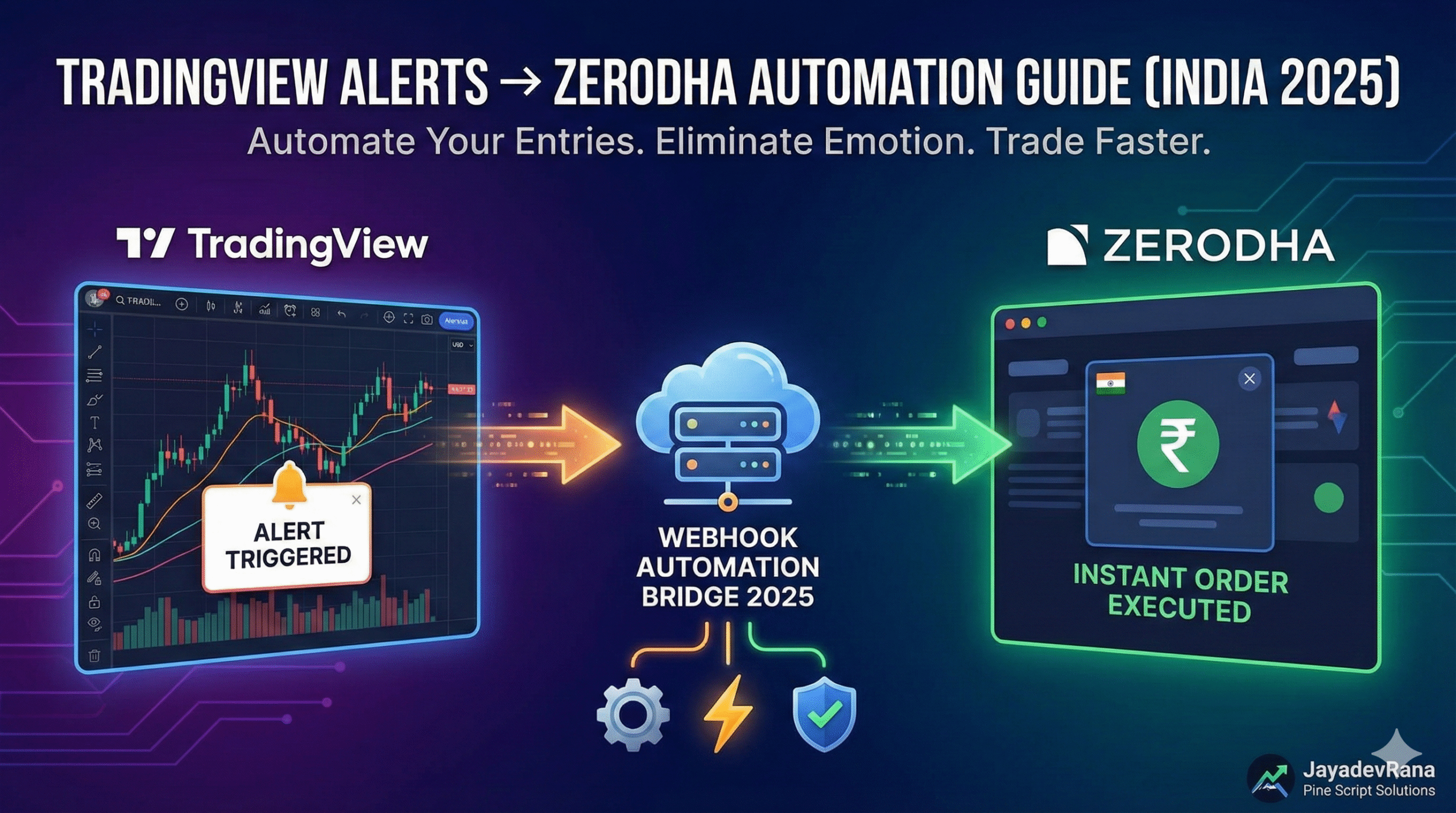
TradingView cannot place a Zerodha order by itself. The dependable setup is a short chain: a TradingView alert sends a webhook to your server, the server validates the event and applies risk rules, and only then does it call Kite Connect. The difficult part is not sending one successful order. It is handling stale alerts, duplicate delivery, expired sessions, rejected orders, partial fills, and an unknown result after a network timeout.
This guide explains the architecture and the checks that matter before real capital is involved.
The correct architecture
Use these separate components:
- A Pine Script condition creates a signal.
- TradingView sends an HTTPS webhook containing a small JSON message.
- Your receiver authenticates and validates the message.
- A risk layer determines whether the event is still allowed.
- A broker adapter submits the order through Kite Connect.
- An order-state worker follows the order until it is complete, rejected, cancelled, or reconciled.
- An audit log records every decision and broker response.
Do not put a Zerodha API secret, access token, account identifier, password, PIN, or TOTP value in Pine Script or the alert body. TradingView explicitly warns against including credentials in webhook messages. Kite’s documentation also says the API secret must remain on a secure backend.
TradingView webhook constraints to design around
TradingView sends an HTTP POST to the configured URL. If the alert message is valid JSON, the request uses an application/json content type; otherwise it is sent as plain text.
The official webhook documentation also states:
- webhook alerts require two-factor authentication on the TradingView account;
- only ports 80 and 443 are accepted;
- the receiver has about three seconds to respond;
- IPv6 is not currently supported for this feature;
- delivery can occasionally fail, so the Alert Log’s webhook status should be monitored.
Your endpoint should therefore validate and store the event quickly, return a response, and perform slower broker work through a controlled worker. Do not keep TradingView waiting while the application polls an order to completion.
Send a signal, not an order credential
This Pine Script v6 example waits for a confirmed chart bar and sends a minimal event. It deliberately omits quantity and broker credentials because the server should control those values.
//@version=6
indicator("Confirmed webhook signal", overlay = true)

fast = ta.ema(close, 10)
slow = ta.ema(close, 30)
longSignal = ta.crossover(fast, slow)

if longSignal and barstate.isconfirmed
    string eventId = syminfo.tickerid + "-" + str.tostring(time)
    string payload = '{"event_id":"' + eventId + '","symbol":"' + syminfo.tickerid + '","side":"BUY","signal_time":' + str.tostring(time) + '}'
    alert(payload, alert.freq_once_per_bar_close)

plot(fast, "Fast EMA", color.teal)
plot(slow, "Slow EMA", color.orange)
This is a transport example, not a trading strategy. Confirmed-bar alerts reduce open-bar signal changes, but they do not remove webhook latency, gaps, order rejection, slippage, or broker risk.
Validate every event before calling Kite
The receiver should reject an event unless all required checks pass:
- the endpoint secret or signature is valid;
- the JSON schema contains only expected fields and values;
event_idhas not already been accepted;- the event timestamp is inside a defined freshness window;
- the symbol maps to an allowed exchange instrument;
- the side and product are allowed for this strategy;
- the market session permits the intended action;
- the strategy and account are enabled;
- daily loss, position, quantity, notional, and order-count limits permit the request.
Calculate quantity on the server from a configured rule. A webhook should not be able to increase account risk merely by changing a number in its payload.
Handle the Kite Connect login lifecycle
Kite Connect uses an interactive login flow. The user opens the Kite login page, the registered redirect receives a request_token, and the backend exchanges that token—using a checksum that includes the API secret—for an access_token.
Kite states that the access token normally expires at 6 AM the next day unless it is invalidated earlier. A production service needs a clear state such as trading disabled: login required. Do not repeatedly retry orders with an expired token, and do not automate credentials or TOTP to bypass the supported flow.
Prevent duplicate orders
A timeout does not prove that an order failed. The broker may have received the request even if your application did not receive the response. Blind retrying can therefore create a second order.
Use an idempotency record keyed by event_id:
- store the event before order submission;
- allow only one worker to claim it;
- attach a broker-supported tag where appropriate;
- store the returned
order_idimmediately; - if the outcome is unknown, reconcile the day’s orders and order history before deciding whether another order is allowed.
Do not treat HTTP success or receipt of an order_id as proof of execution. Kite’s order documentation says successful placement does not imply successful execution. Follow order updates and handle COMPLETE, REJECTED, CANCELLED, open, modified, and partial-fill states.
Use order updates instead of aggressive polling
For individual developers, Kite recommends order updates over WebSocket. The Postback API is intended primarily for platforms and public apps using one API key for multiple users. If Postbacks are applicable, validate their checksum before accepting an update.
Polling can still be useful for reconciliation, but it should respect current API limits and should not be the only source of order truth.
A practical test plan
Before enabling live orders, test these cases with the smallest safe scope available:
- valid confirmed-bar signal;
- malformed JSON and missing fields;
- incorrect endpoint secret;
- duplicate
event_id; - stale alert;
- expired Kite session;
- invalid instrument mapping;
- order rejection;
- receiver timeout after order submission;
- partial fill;
- WebSocket disconnect and reconnect;
- application restart with an order still open;
- daily risk limit reached;
- alert received outside the intended session.
For every test, define the expected log entry, account state, notification, and whether a new order is forbidden.
Go-live checklist
- Use HTTPS and keep the endpoint secret out of the webhook URL where possible.
- Store API secrets and access tokens only on the backend.
- Return to TradingView quickly after validation and durable storage.
- Enforce event freshness and idempotency.
- Keep strategy permissions and quantity rules on the server.
- Reconcile unknown outcomes before retrying.
- Monitor the TradingView Alert Log and broker order state.
- Provide a kill switch that blocks new orders without hiding open positions.
- Log timestamps, decisions, request identifiers, order IDs, status changes, and errors without logging secrets.
- Start with a deliberately limited quantity and supervision.
When to request an integration review
Prepare the Pine source, symbol and timeframe, one redacted webhook payload, intended product and order type, quantity rule, risk limits, session behavior, and the desired response to an unknown order state. Never send a live API secret or access token through a contact form.
Automated trading involves operational and market risk. This guide explains system design; it does not recommend a trade or guarantee execution.
Primary sources
- TradingView webhook configuration: https://www.tradingview.com/support/solutions/43000529348-how-to-configure-webhook-alerts/
- TradingView Pine alerts: https://www.tradingview.com/pine-script-docs/concepts/alerts/
- Kite Connect introduction: https://kite.trade/docs/connect/v3/
- Kite Connect login flow: https://kite.trade/docs/connect/v3/user/
- Kite Connect orders: https://kite.trade/docs/connect/v3/orders/
- Kite Connect Postbacks: https://kite.trade/docs/connect/v3/postbacks/

Leave a Reply